This article will show how to remove add-ons, which will be extensions, themes, or browser helpers in the Mozilla Firefox web browser.
Here is how to remove add-ons from Firefox:
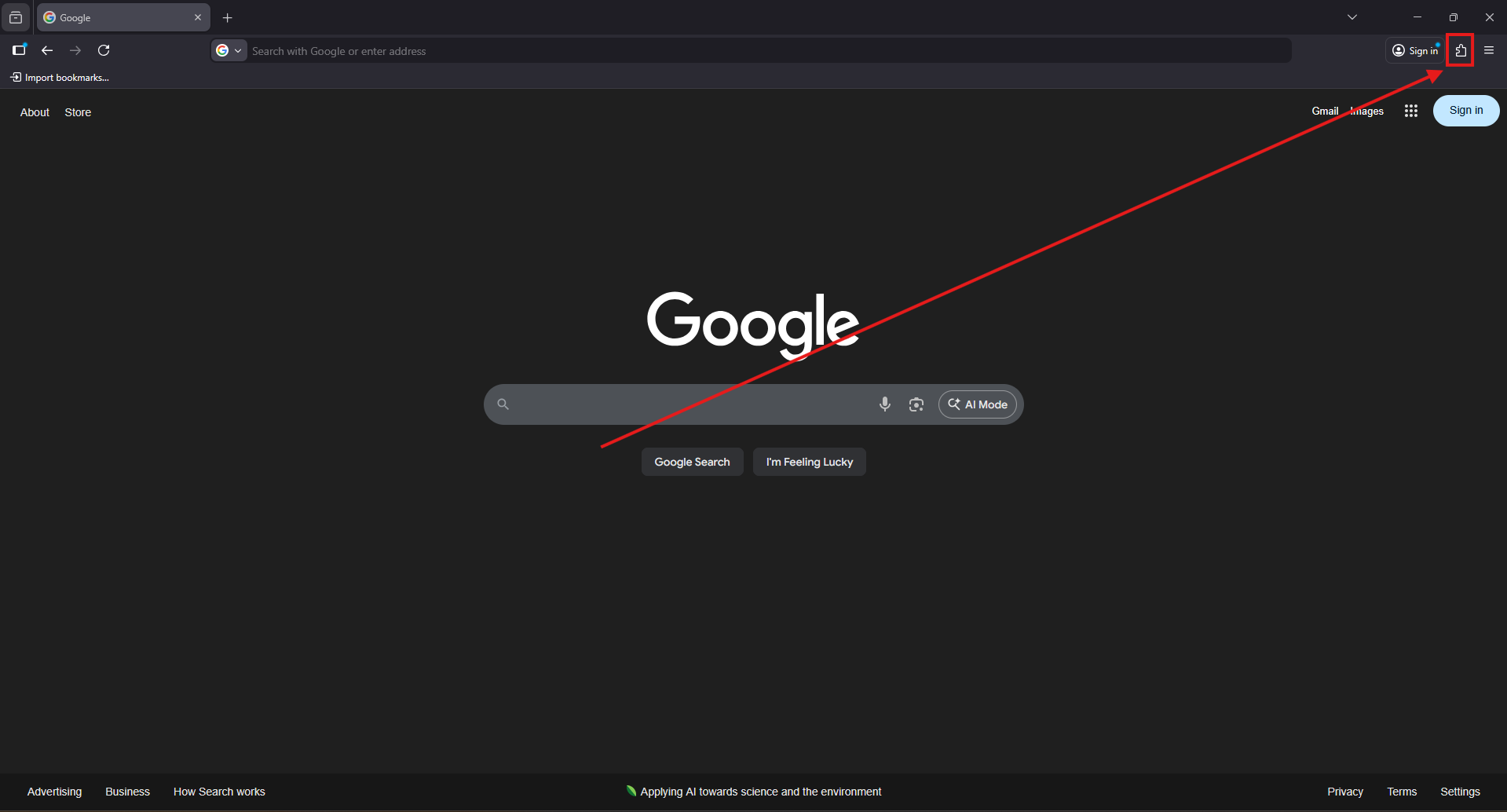
1. With Mozilla Firefox open, click the Puzzle piece, found at the top right of the Firefox window.
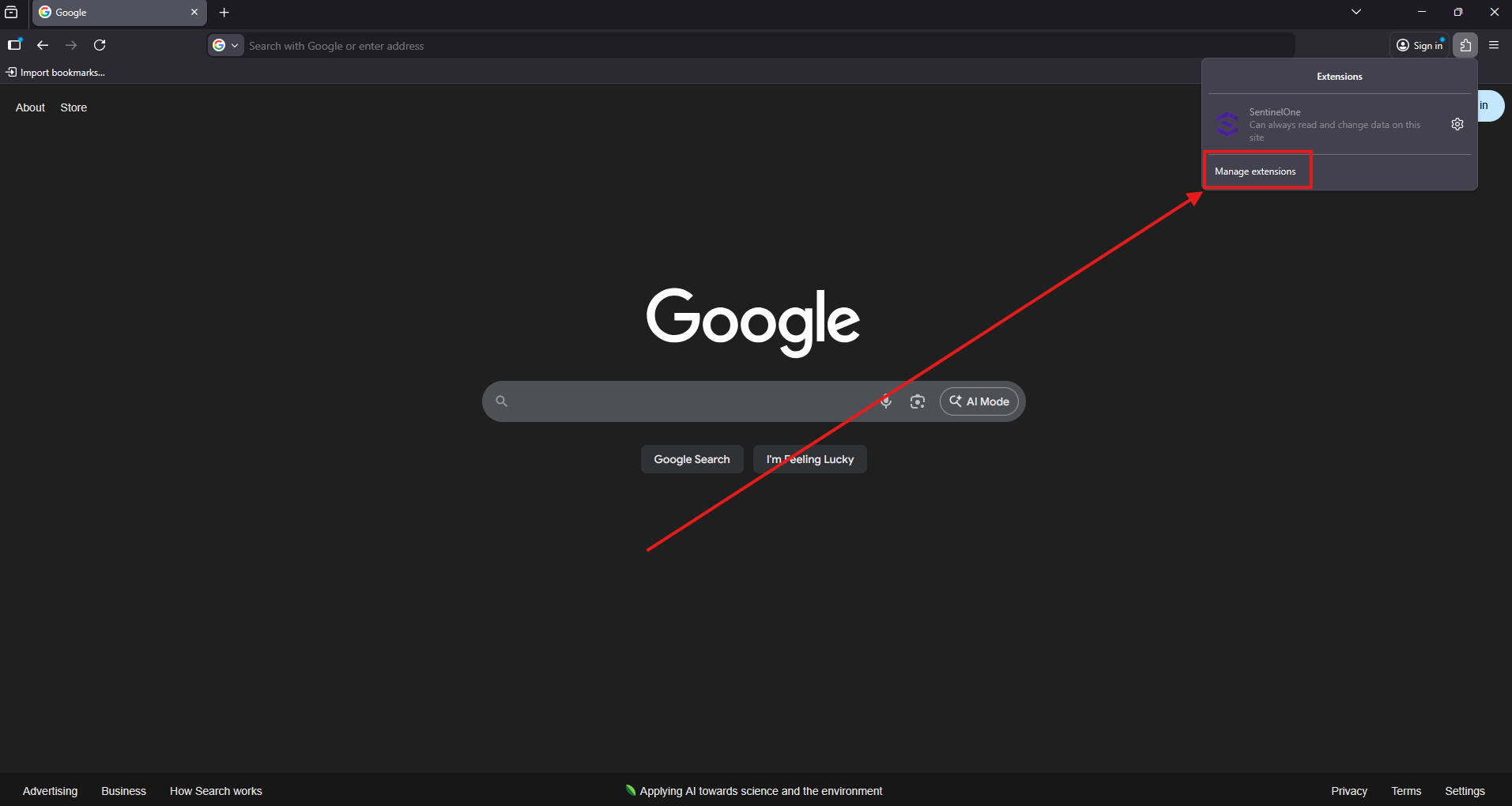
2. From the menu that opens up, click on Manage extensions.
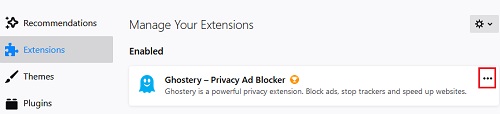
3. Click on either Extensions, Themes, or Plugins on the left side depending on the add-on to be removed.

4. Locate the add-on to be removed and click on the three dots to the right of the add-on.
5. Select Remove from the list of options.

That's it, you may repeat these same steps to remove any additional add-ons.
