Any Windows computer should come with a license key for activation. However, that key isn't always readily available. Some refurbished computers have a sticker on the outside with it, but with most computers, the key is usually pre-loaded and stored digitally on the system.
This article will show you how to find your license key with Command Prompt. Keep in mind, that you would need a valid copy of an already activated Windows to see a key listed.
Here is how to do this:
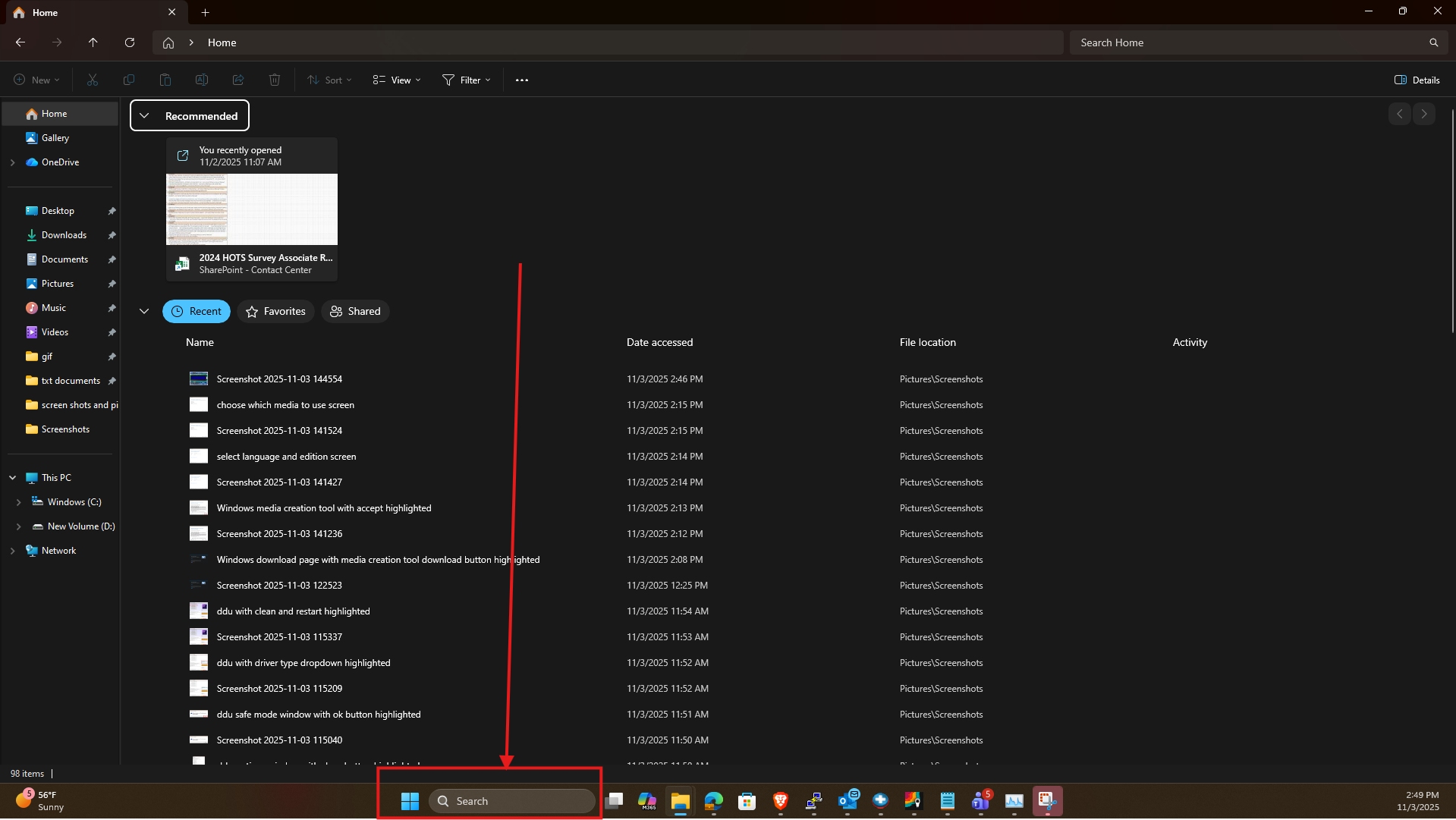
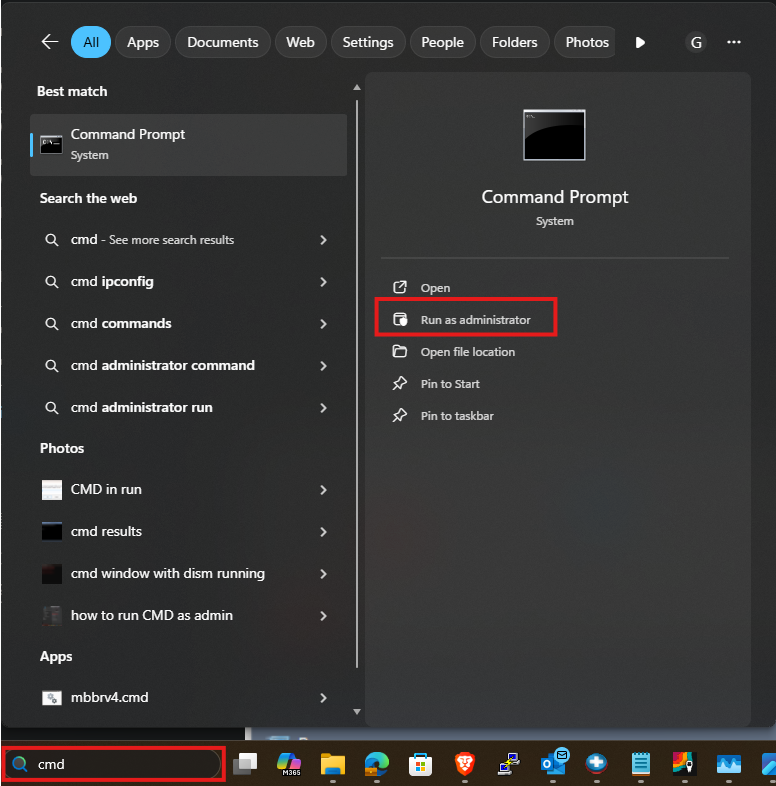
1. Open the Start Menu and type cmd (to search for command prompt) in the search field.
2. Click on Run as Administrator on the right-hand side
3. Click on “Yes” when prompted.
4. From here, enter the following into Command Prompt and then press Enter on your keyboard:
wmic path softwarelicensingservice get OA3xOriginalProductKey

You should now see the product key listed in the format xxxxx-xxxxx-xxxxx-xxxxx-xxxxx.
