
Issues with Fan Lights


Hello,
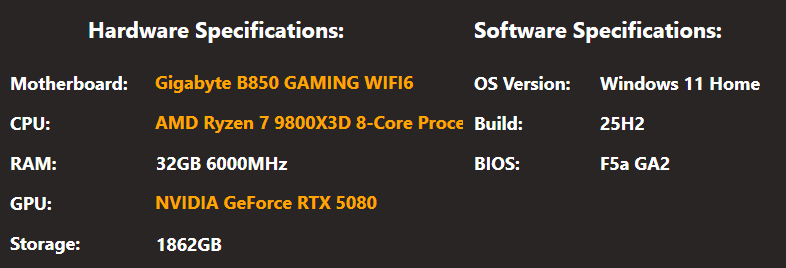
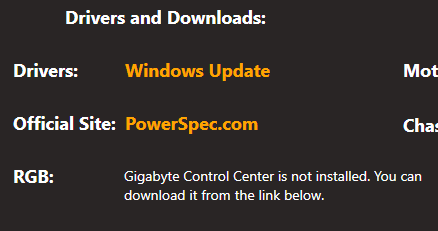
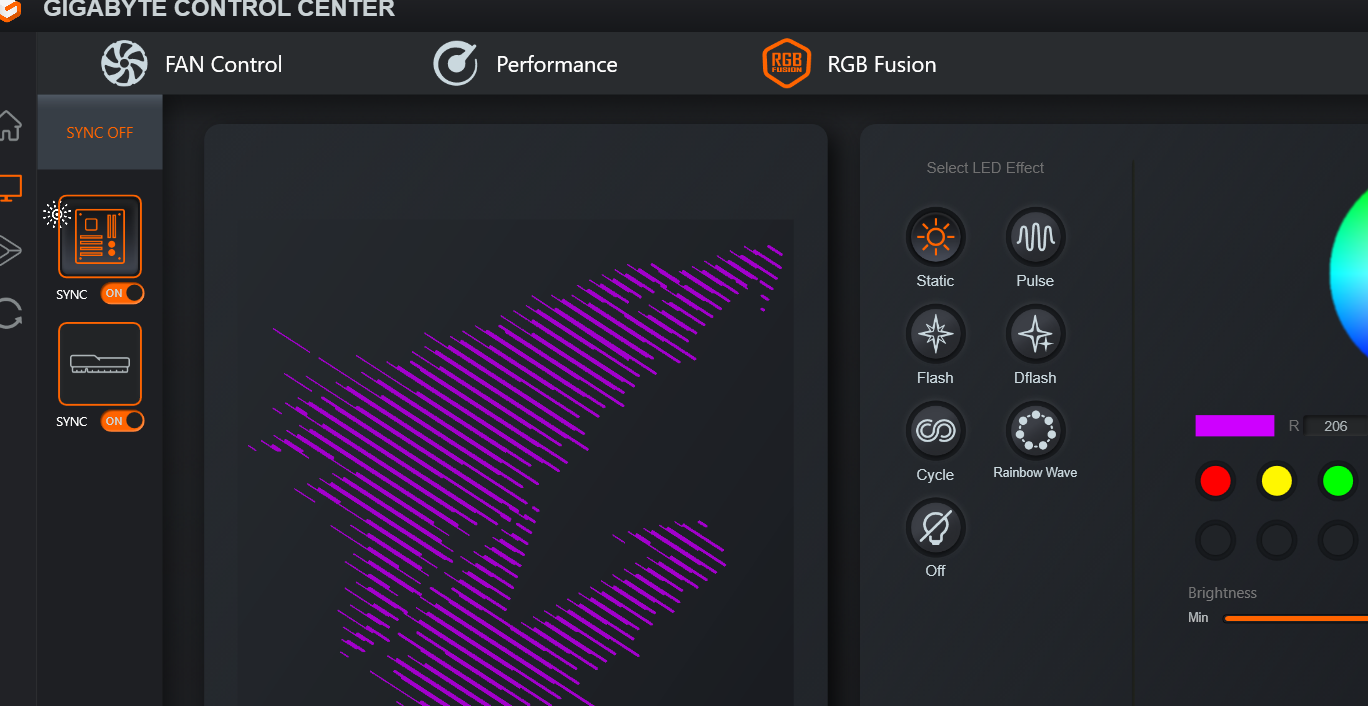
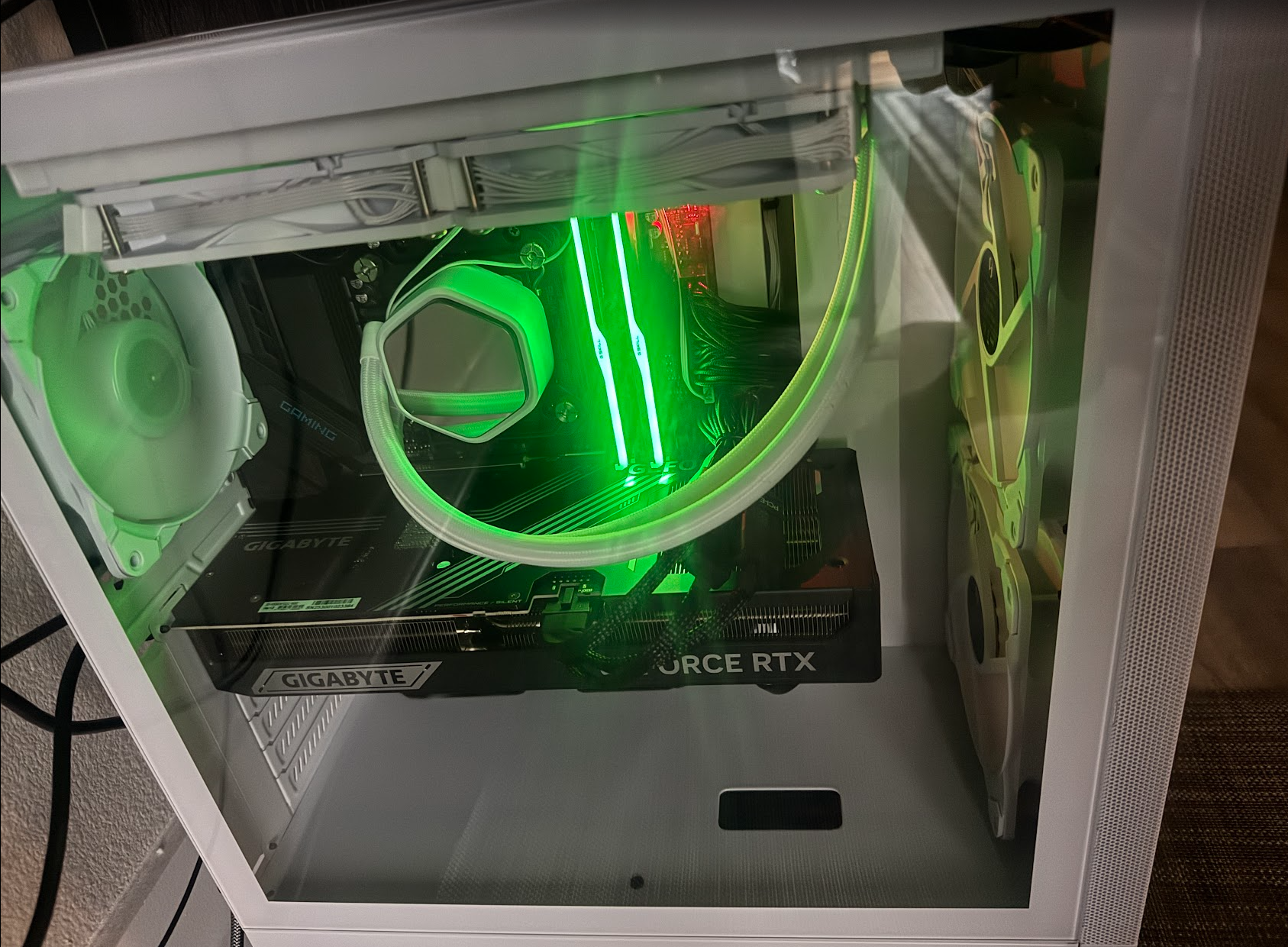
I recently purchased a prebuilt PowerSpec G757 (98X3D/32/2/5080/H) and have been loving it so far. I’m not very experienced with the physical setup of PCs, but I’ve run into a persistent lighting issue. When I first bought the system a couple of months ago, the three fan RGB lights worked perfectly and I was able to control them through Gigabyte Control Center. However, the fan lights no longer turn on, and the PowerSpec dashboard now shows that Gigabyte Control Center is not installed. At the moment, I can still turn on and control the two small internal lights with no problem, but the fan lighting will not work at all. The fans themselves are running normally… it’s only the lighting that isn’t functioning. I’ve tried multiple troubleshooting steps without success. Windows is fully updated, and my drivers are up to date as well.
Any help would be greatly appreciated. Thank you!
Answers
-
The lights are off or won't change? If they won't change, set a static color and toggle "M" until it matches, then try.
-
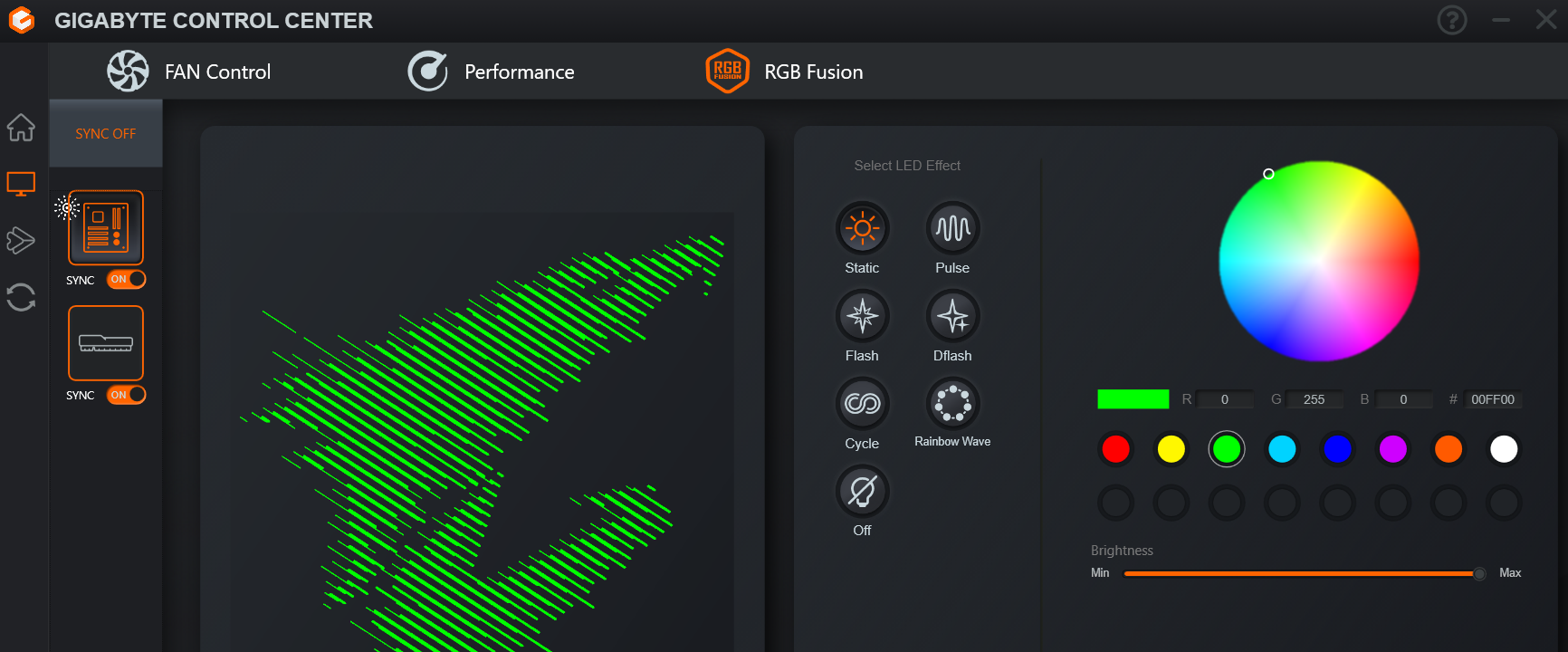
@PowerSpec_MikeW Thank you for the response. These are the only lights that work with these settings. The fan lights stopped working (right side) for an unknown reason.
-
Hard to tell in the picture, but are the top fans working?
-
@PowerSpec_MikeW
Yes sir, the top and side fans are working.
-
EDIT: I got it working, thank you! One of the wires somehow came loose but all good now! I'm very new to this haha.


Leave a Comment
Categories
- All Categories
- 1 The Blog
- 1 What's Trending
- 8K The Community
- 3.2K General Discussion
- 146 New Members
- 873 Consumer Tech
- 234 Prebuilt PCs and Laptops
- 168 Software
- 33 Audio/Visual
- 54 Networking & Security
- 4 Home Automation
- 5 Digital Photography
- 14 Content Creators
- 30 Hobby Boards & Projects
- 84 3D Printing
- 83 Retro Arcade/Gaming
- 62 All Other Tech
- 441 PowerSpec
- 2.6K Store Information and Policy
- 150 Off Topic
- 61 Community Ideas & Feedback
- 617 Your Completed Builds
- 4K Build-Your-Own PC
- 2.9K Help Choosing Parts
- 328 Graphics Cards
- 335 CPUs, Memory, and Motherboards
- 145 Cases and Power Supplies
- 54 Air and Liquid Cooling
- 50 Monitors and Displays
- 93 Peripherals
- 69 All Other Parts
- 65 Featured Categories
We love seeing what our customers build
Submit photos and a description of your PC to our build showcase
Submit NowLooking for a little inspiration?
See other custom PC builds and get some ideas for what can be done
View Build ShowcaseSAME DAY CUSTOM BUILD SERVICE
If You Can Dream it, We Can Build it.

Services starting at $149.99